

Understanding Video:
A Foundation for Photographers
You don’t need to become a filmmaker to use video.
This page is a simple guide to help you remember what we covered at the 2026 FotoClave Conference and refresh you on the basics you need to start creating your own videos.

Example video from the event
This is the kind of video you can create. Simple clips captured over time and edited together to tell the story of an event.
Add motion to your photography
Photography captures moments. Video captures time.
When you combine the two, you can tell deeper stories.

Frame Rate (fps)
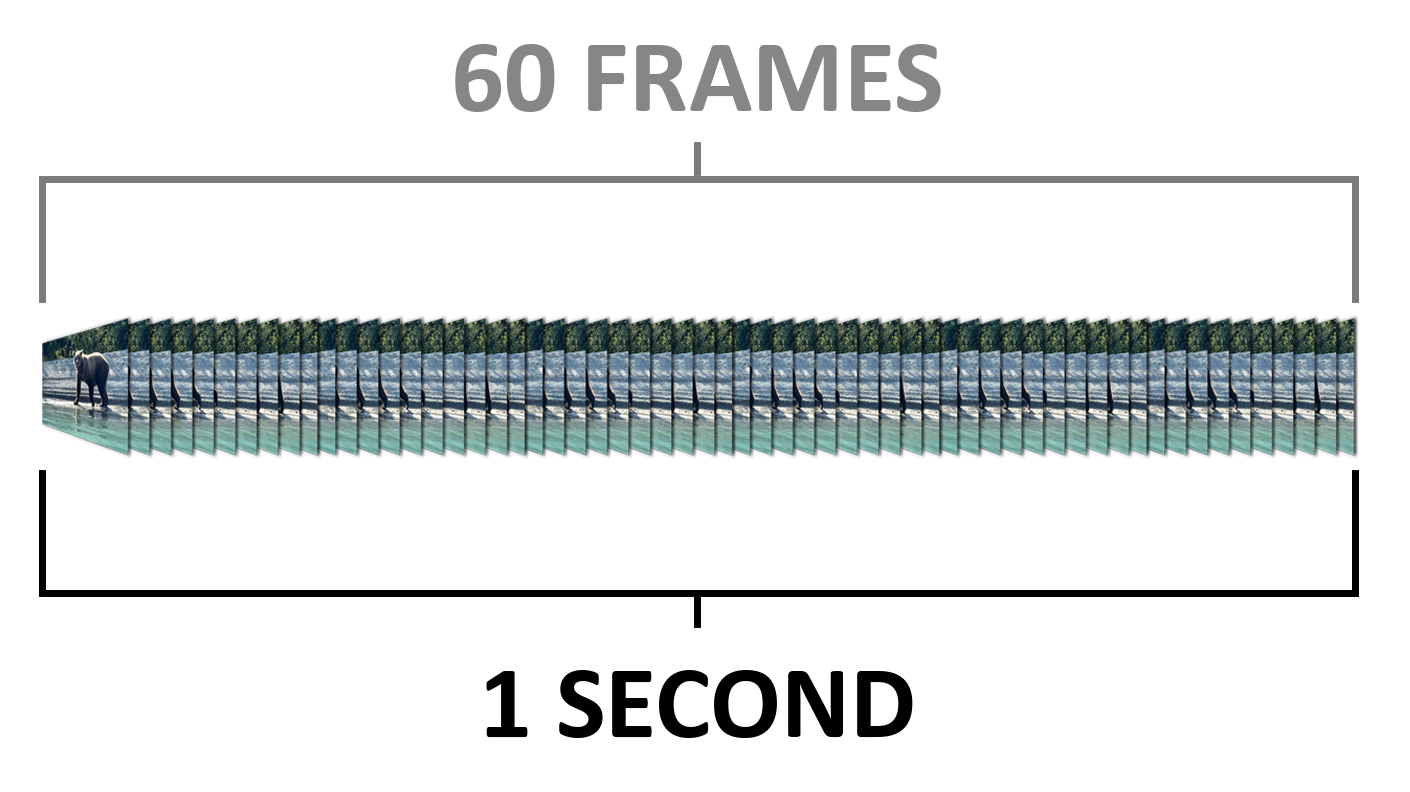
Frame rate is how many images are recorded each second.
24 fps — cinematic look
30 fps — natural, everyday motion
60+ fps — used for slow motion
Capture vs Playback
Slow motion works like this:
Capture at 60 fps → playback at 30 fps = 2x slow motion
Capture at 120 fps → playback at 30 fps = 4x slow motion
180° Rule
Shutter speed controls how motion looks.
Use the 180° rule (FPS x 2 = Shutter Speed):
30 fps → 1/60 shutter
60 fps → 1/120 shutter
120 fps → 1/240 shutter
Example Video: This gives motion a natural look. Example video shows 60 fps → 1/120 shutter
Exposure
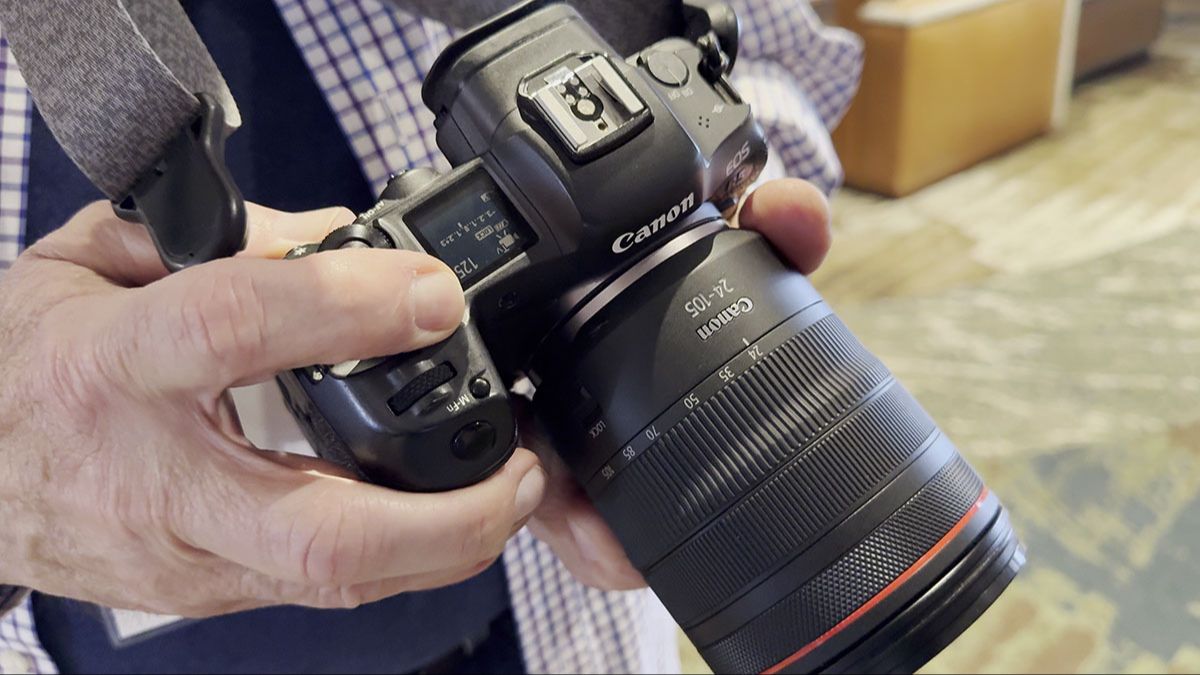
Aperture → controls depth of field
Shutter speed controls motion (Motion Blur)
ISO → controls brightness
ND filters → reduce light outdoors
Lights → add light indoors
What to Shoot
Think in simple sequences
For each scene:
Wide shot — establish the location
Medium shot — show activity
Close-up — capture detail
These should relate to the same moment or place.
Shot Types
Establishing shot
Subject shot
Detail shot
Action shot
Transition shot
Example Video: Establishing shot
Camera Movement
Use movement when it improves the shot:
Pan
Push in
Pull back
Follow a subject
Subtle movement
Example Video: Pan
Every shot needs a subject
The viewer should immediately know what they are looking at.
If the subject is clear:
Composition works
Movement works
Storytelling works
Composition
Rule of thirds
Leading lines
Frame within a frame
Negative space
Headroom and looking room
Example Video: Rule of thirds
Audio
Video is visual and audio.
Capture natural sound when you can:
waves
footsteps
ambient noise
Even simple audio makes your video feel more real.
Keep It Simple
You don’t need to film everything.
Capture:
short clips (10–20 seconds)
a variety of moments
simple, intentional shots
Basic Editing Flow
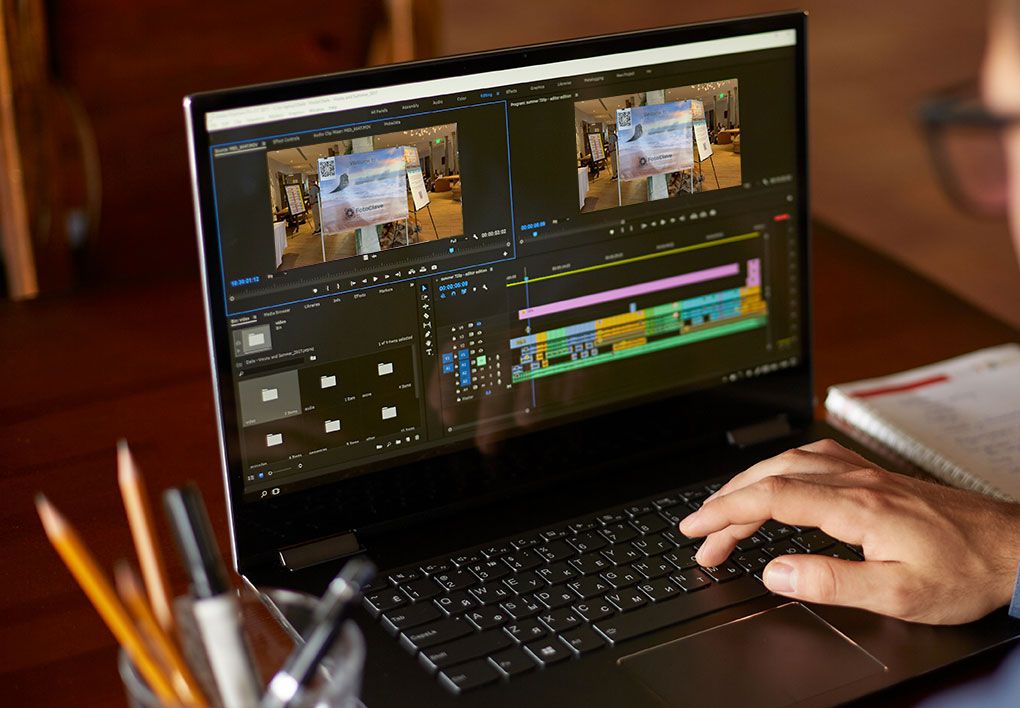
Import your clips
Trim each clip down to the best moment
Arrange clips in a simple sequence
Add a few photos if you’d like
Add music
Export your video

Stay Connected
If you’d like more tips like this, along with updates on workshops and new content, you can join our newsletter, The Click.
We share ideas, techniques, and behind-the-scenes insights from our travels and events.